
 01
Launch a new listing
Generate hero, selling-point, scene and detail-page images in one pass, so the listing is ready to go live.
Create an image setAI e-commerce visual studio
Upload one clear product photo to create product image sets, white-background retouches, A+ detail pages, model try-ons and short selling videos. Launch, ad and social content come together in one studio, in minutes instead of days.
Image sets · Model try-on · Selling videos · Retouching, all in one studio
Start with what you need now
Pick a task, upload a product photo and start creating.
01Generate hero, selling-point, scene and detail-page images in one pass, so the listing is ready to go live.
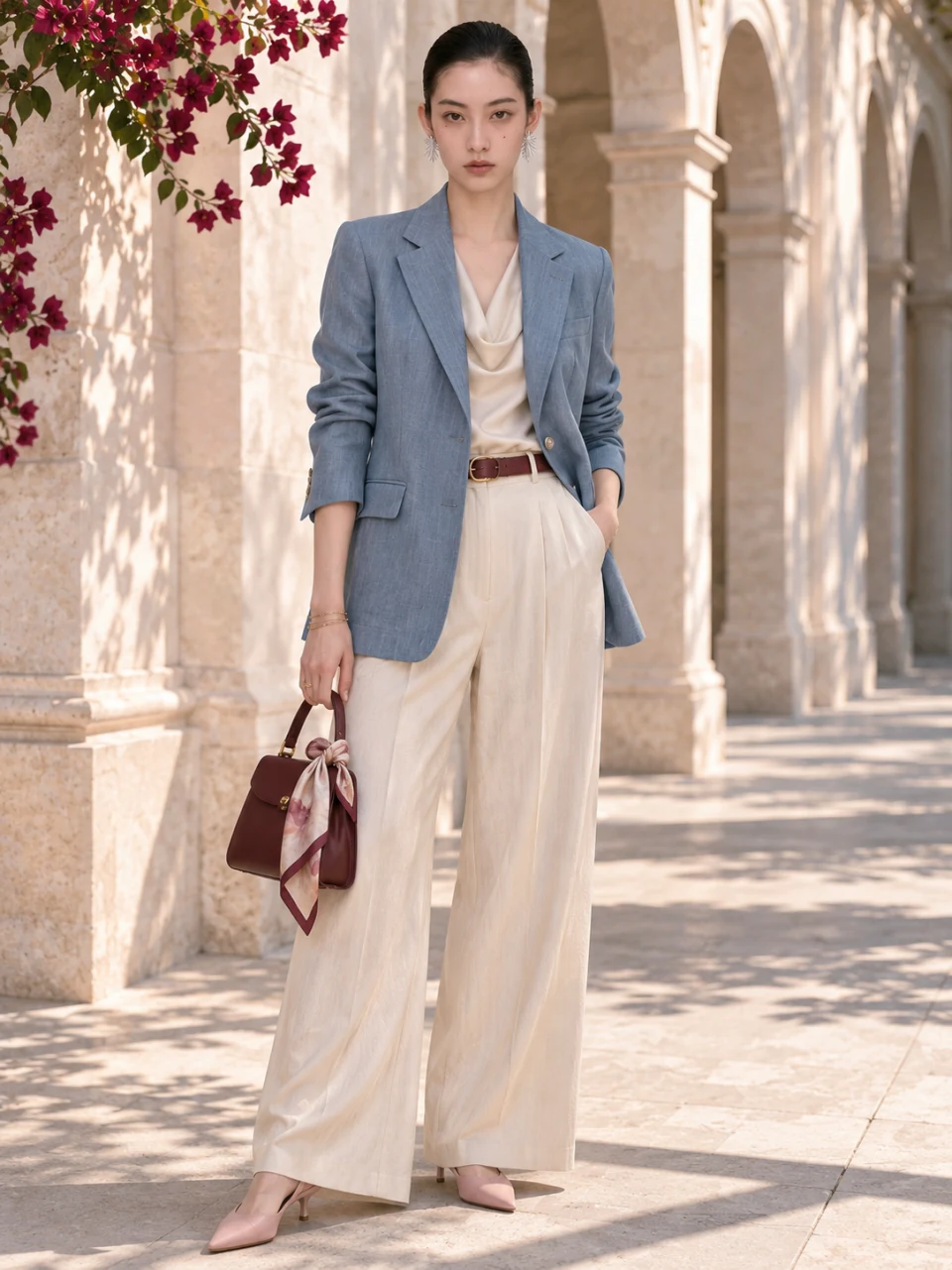
Create an image setTurn flat-lay or single-item garment photos into on-model shots that show fit, proportion and styling.
Create try-on photosTurn product photos and selling points into spokesperson, UGC and ad clips for social campaigns and live-stream promos.
Create a spokesperson videoProduct examples
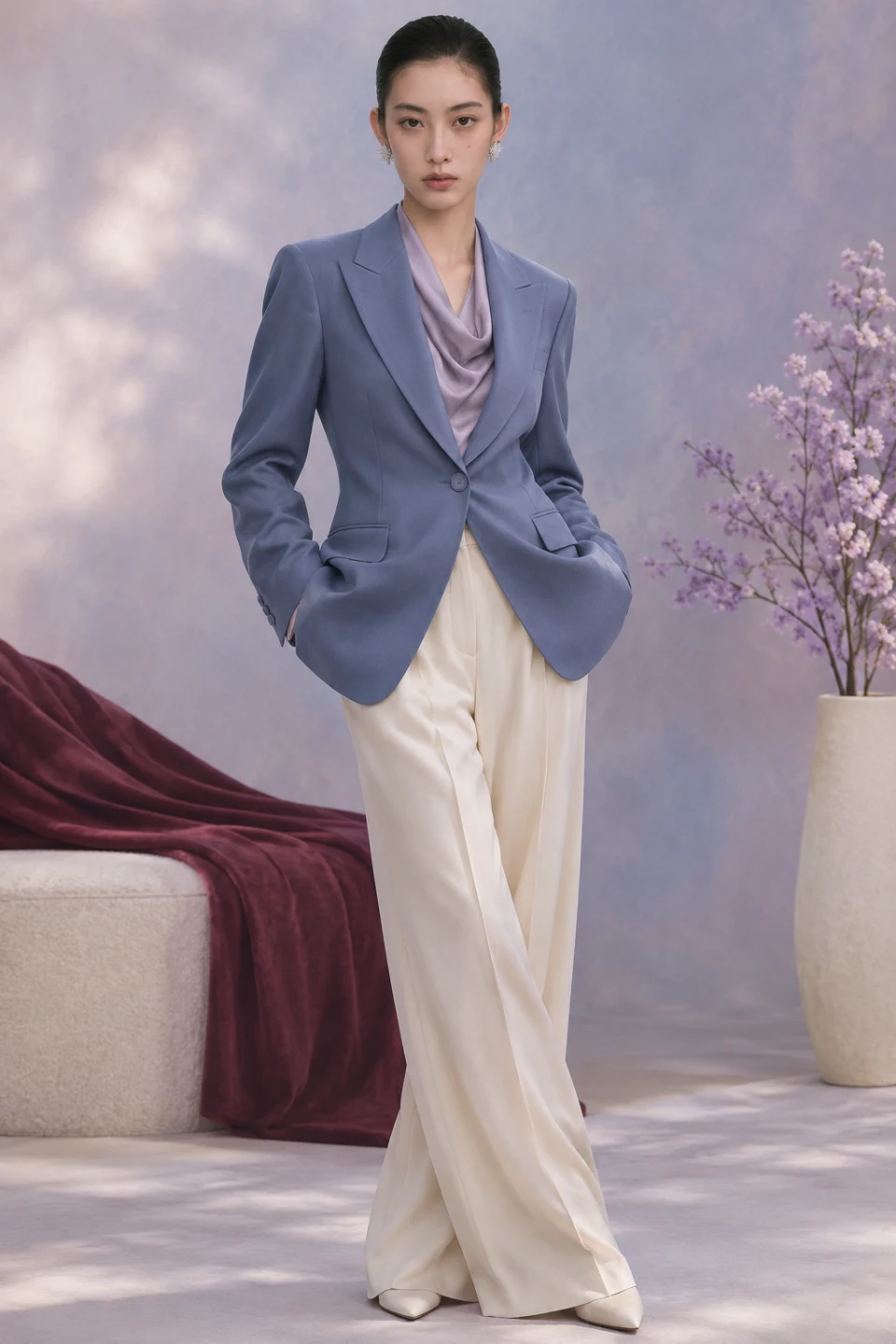
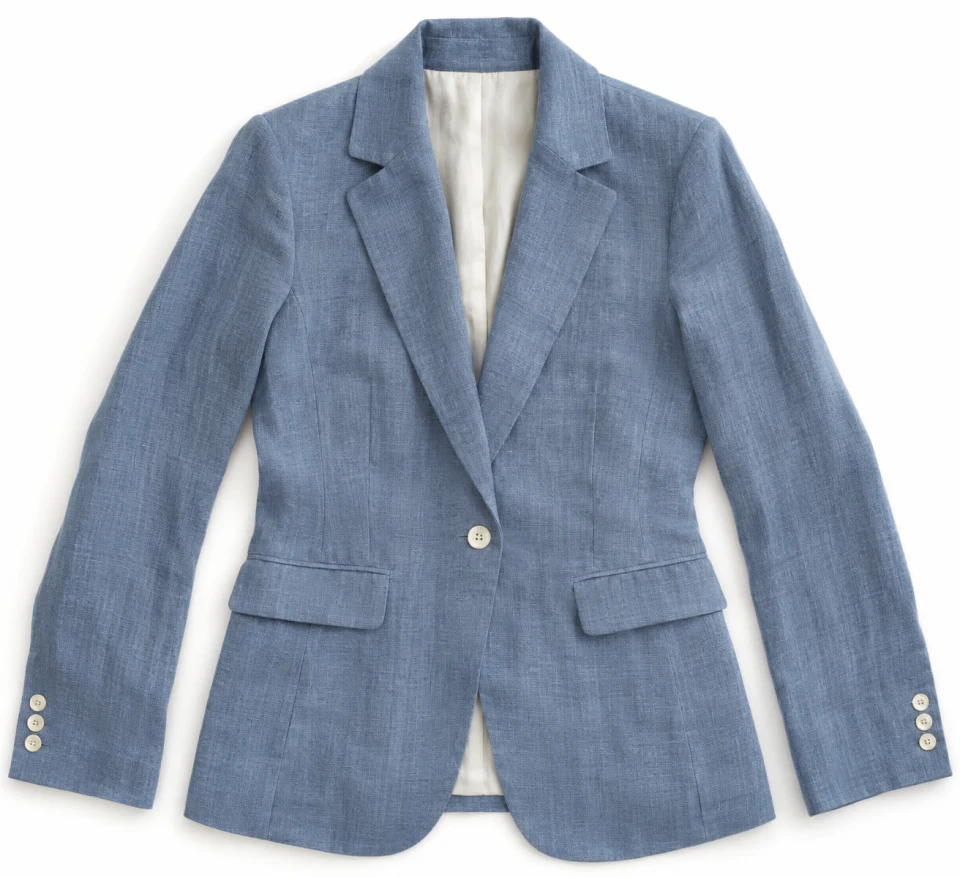
Start from a flat-lay photo and get model try-ons, styled scenes, SKU variants and detail-page modules. Every example can be recreated with your own product.
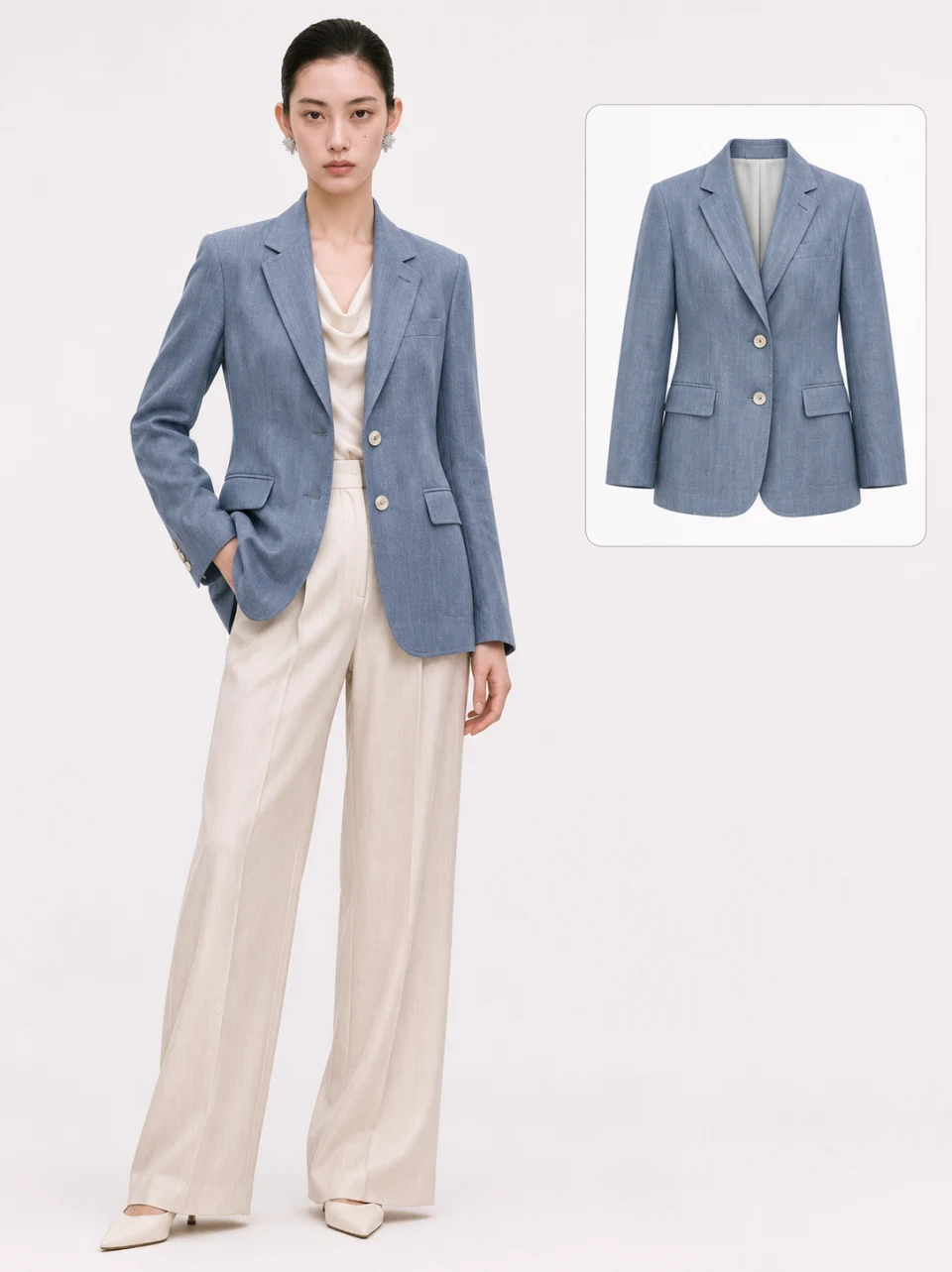
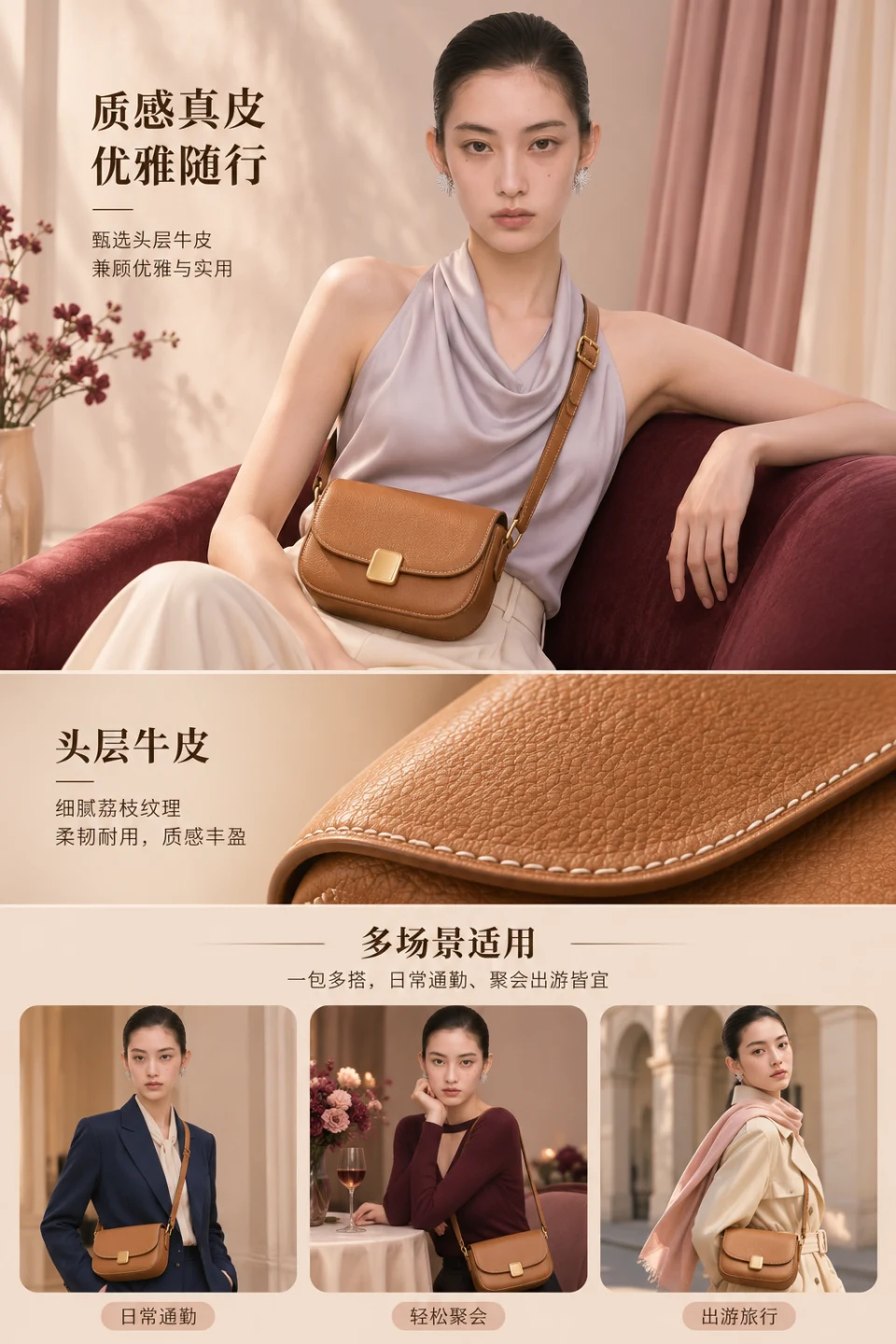
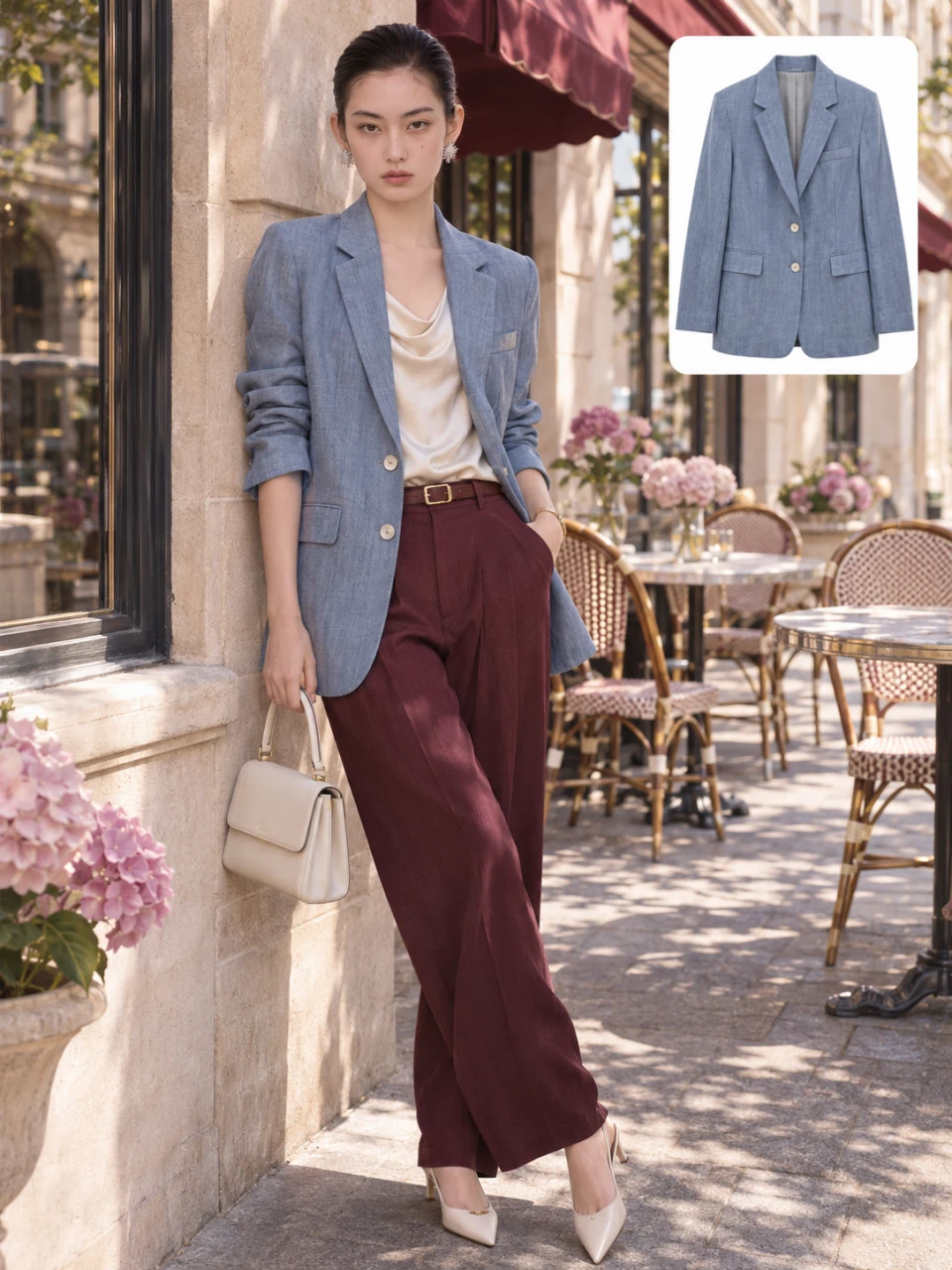

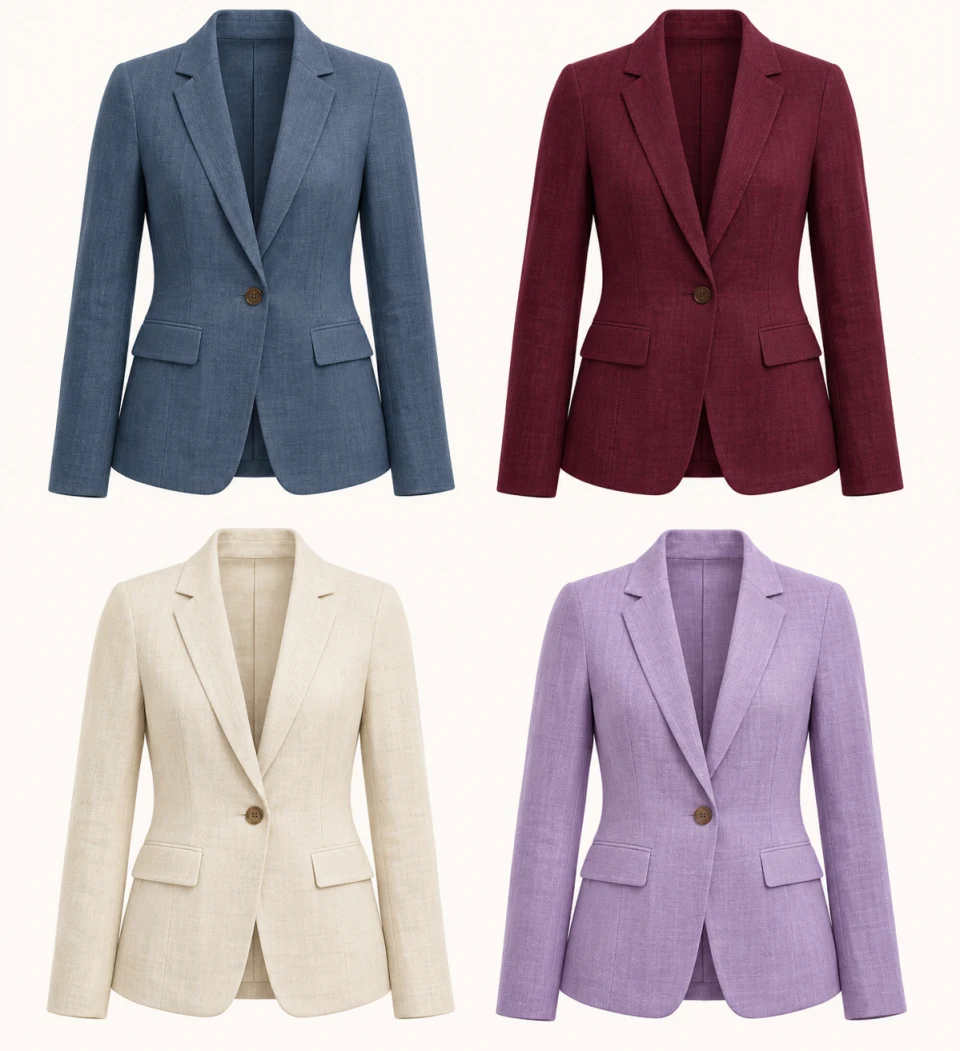
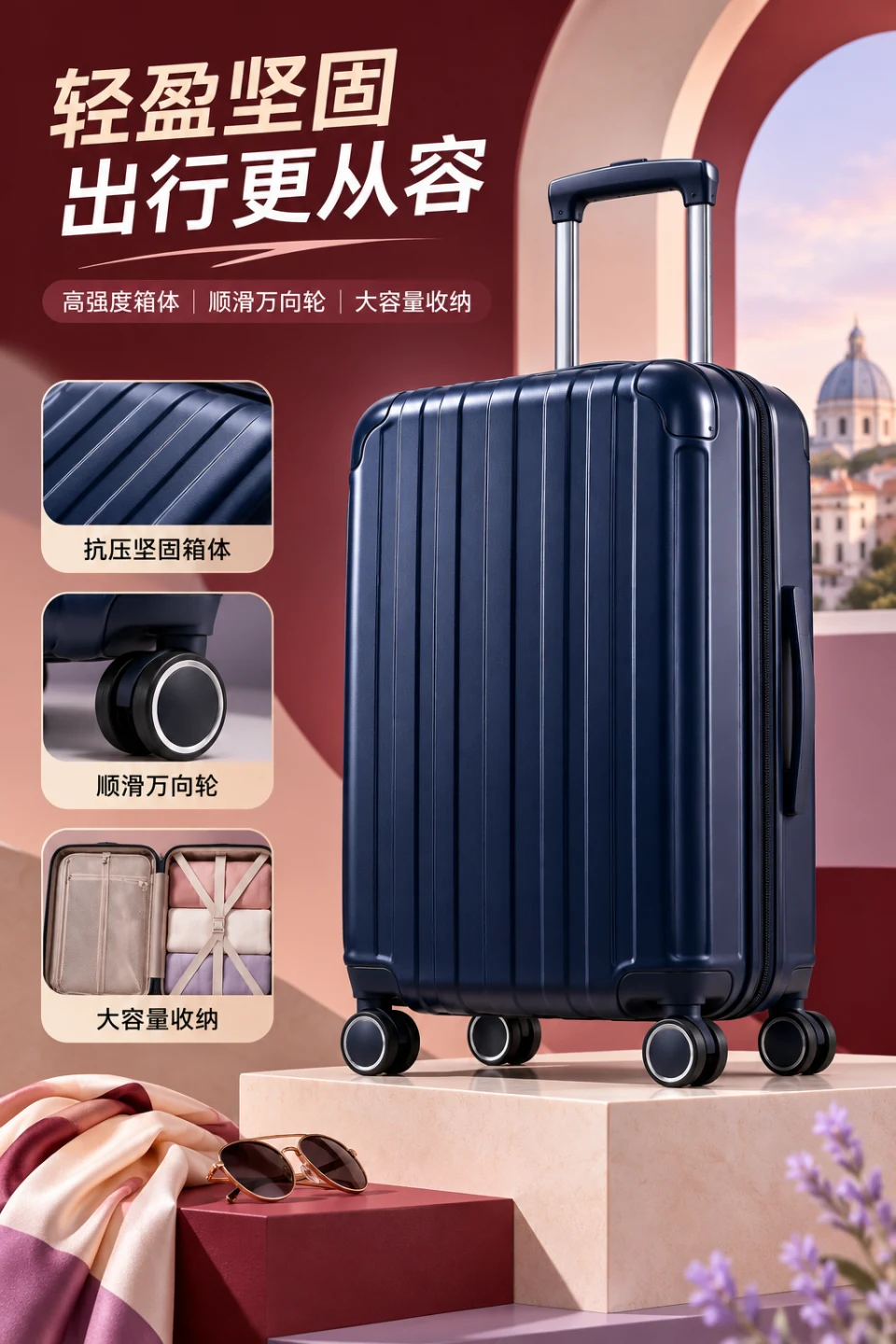
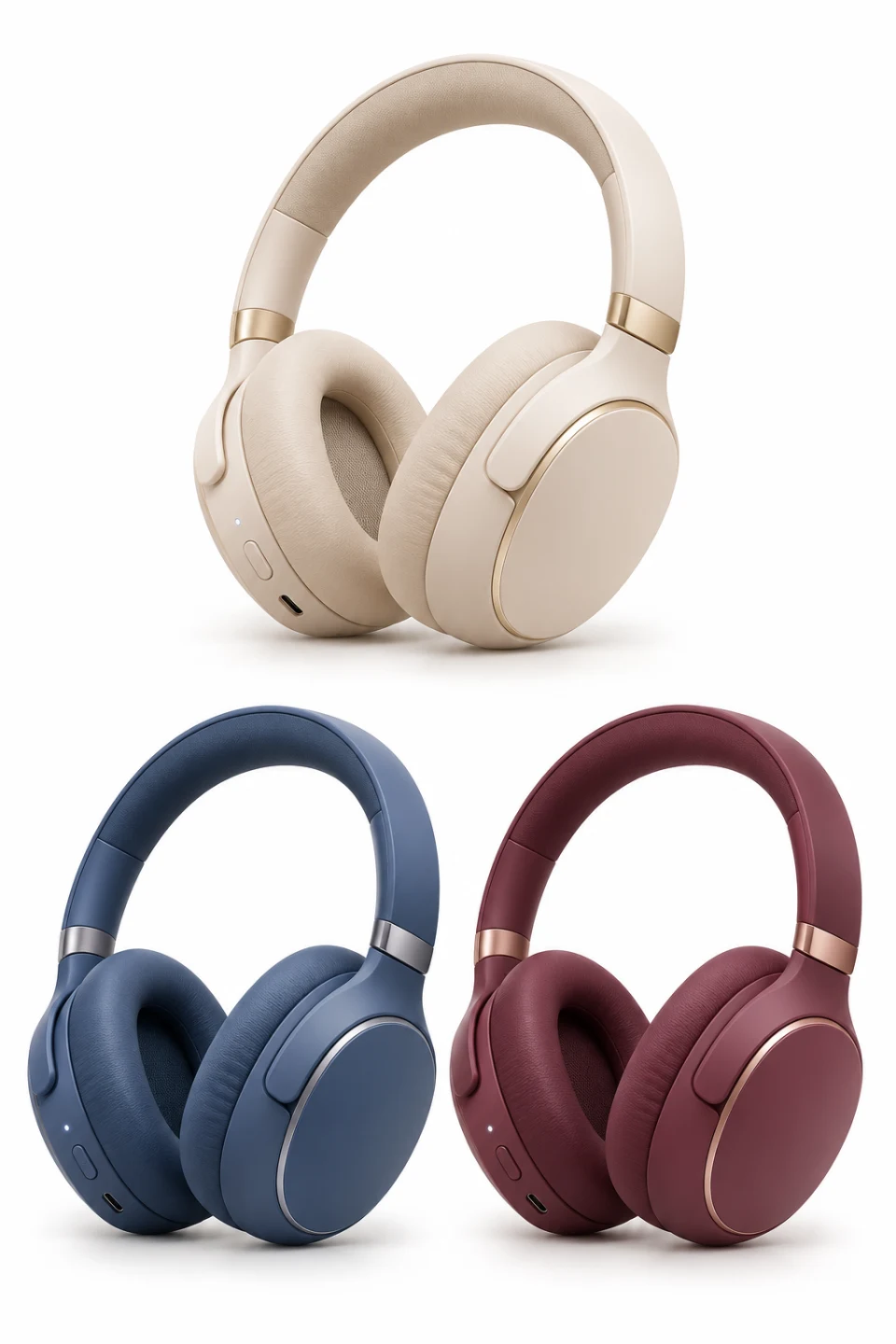
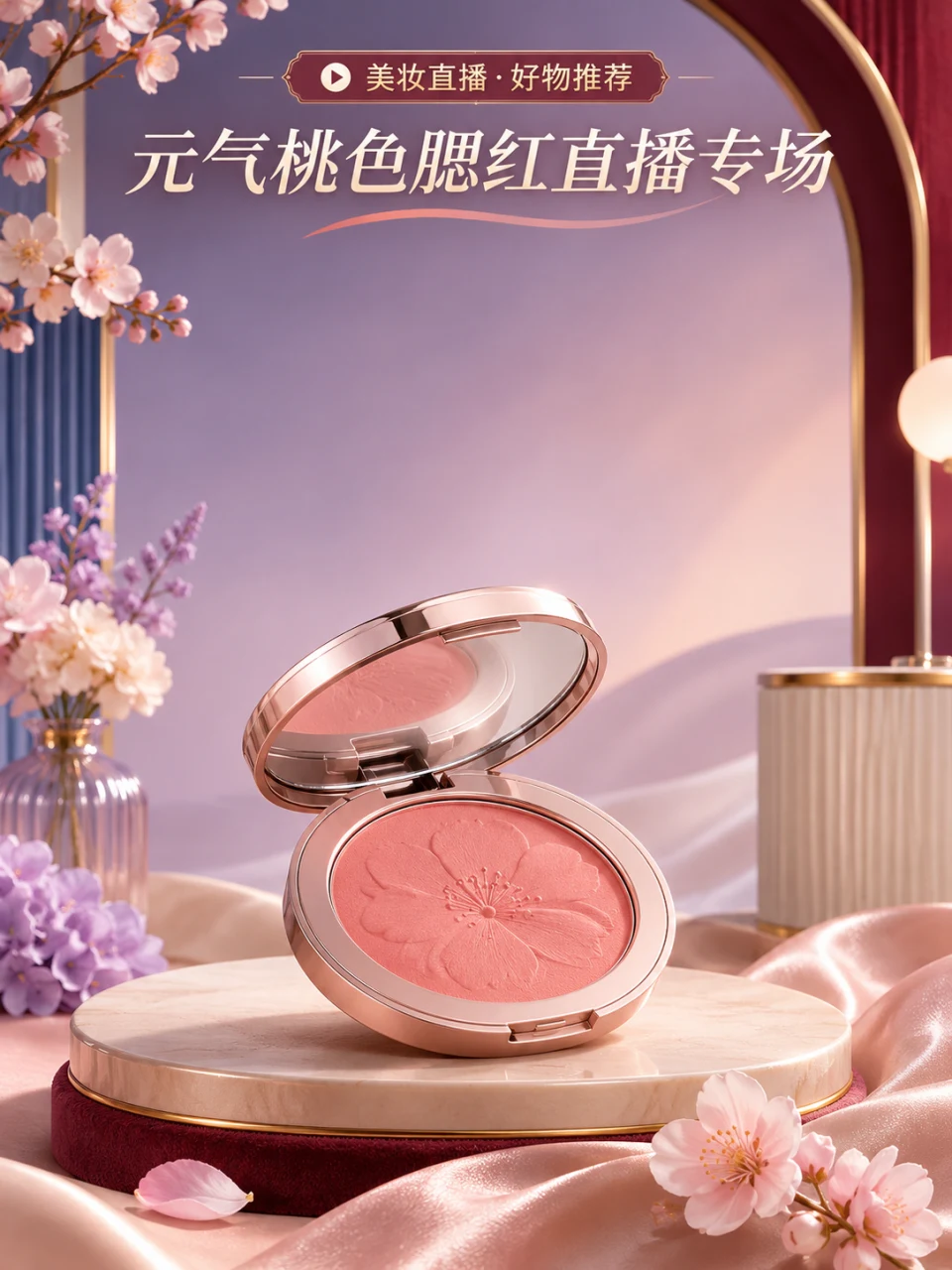
Retouching
Cut out, erase clutter, sharpen, extend and remove watermarks to turn phone snapshots into listing-ready product assets.
Social campaigns
Swap selling points, scenes and people to produce new UGC clips, ad spots and spokesperson videos, then test what lands with your audience.
Ready for
Amazon
Sized per platform and use
Ready for
Shopify
Sized per platform and use
Ready for
淘宝
Sized per platform and use
Ready for
抖音
Sized per platform and use
Ready for
小红书
Sized per platform and use
Ready for
Sized per platform and use
Multichannel launch
Switch selling points, scenes and sizes around the same product. Create once and reuse it on product pages, ads, social and short video.
E-commerce design tools
Pick a tool by the job you need done.
What this tool does for you
Upload product photos, add selling points and style preferences, and create main images, lifestyle images, and product image sets.
Use Product Image SetThree steps
Upload a product photo, choose the output, generate images or video, then keep refining in the conversation.
Upload a photo with a clear subject. Cut it out, erase clutter or sharpen it when needed.
Pick an image set, model try-on, detail page or selling video, then add selling points, scenes and audience.
Generate a first version, check color, pattern and detail against the product, then adjust for each platform.
Why Pixel0
Keep creating product-page, ad, social and short-video content around the same product.
| How it works | Traditional production | Separate AI tools | Pixel0 |
|---|---|---|---|
| Getting started | Reorganize shoots and crews | Re-upload in every tool | Start from the same source photo |
| Coverage | Produced project by project | One-off outputs, scattered results | Image sets, detail pages, model shots and videos in one place |
| Consistency | Many people aligning again and again | Prompts and assets copied back and forth | Keep extending the same product in one conversation |
| Channel fit | Rebuilt for every size | Adjusted separately after generation | Made in common platform and content sizes |
Credits follow model and resolution usage; KIE tasks settle to API usage. Cancel anytime.
For casual creators
For professionals
For power users
Frequently asked questions
Product image sets, white-background retouches, A+ detail pages, promo images, model try-on and styling photos, plus spokesperson, UGC and ad clips for social campaigns.
Apparel, footwear, accessories, watches, jewelry, beauty, home goods, food packaging and consumer electronics can all start from one clear product photo.
Yes. All paid plans include a full commercial license. Check the terms of the specific model you used if you plan to publish at scale.
Credits follow the selected model, resolution and clip length. The composer shows the estimated cost before you generate; KIE-backed tasks are settled to the API-reported usage, and failed renders are refunded automatically.
Your uploads and clips are encrypted in transit and at rest. We never train on your content. You can permanently delete any conversation or clip at any time.
Yes — an account is what holds your clips, your take history and your credit balance. Sign-up takes about ten seconds via email or Google.
From image sets and detail pages to model shots and selling videos, create a first version and keep going from there.